Go to the Amazon SQS Dashboard, click Create queue, select Standard, and name it DemoQueueDLQ.
In the Redrive allow policy section, select Enabled and set the permission to Allow all. This is to identify which source queues are allowed to use this queue as a DLQ target.
Set the Message retention period to 14 days to give yourself maximum time to debug errors, then hit create.
The Max Receives Count Mechanics: Pay attention to how the math works here, chief. If the exam specifies that a queue has a maxReceiveCount of 3, the message is sent to the DLQ on the 4th attempt to receive it, after failing 3 times.
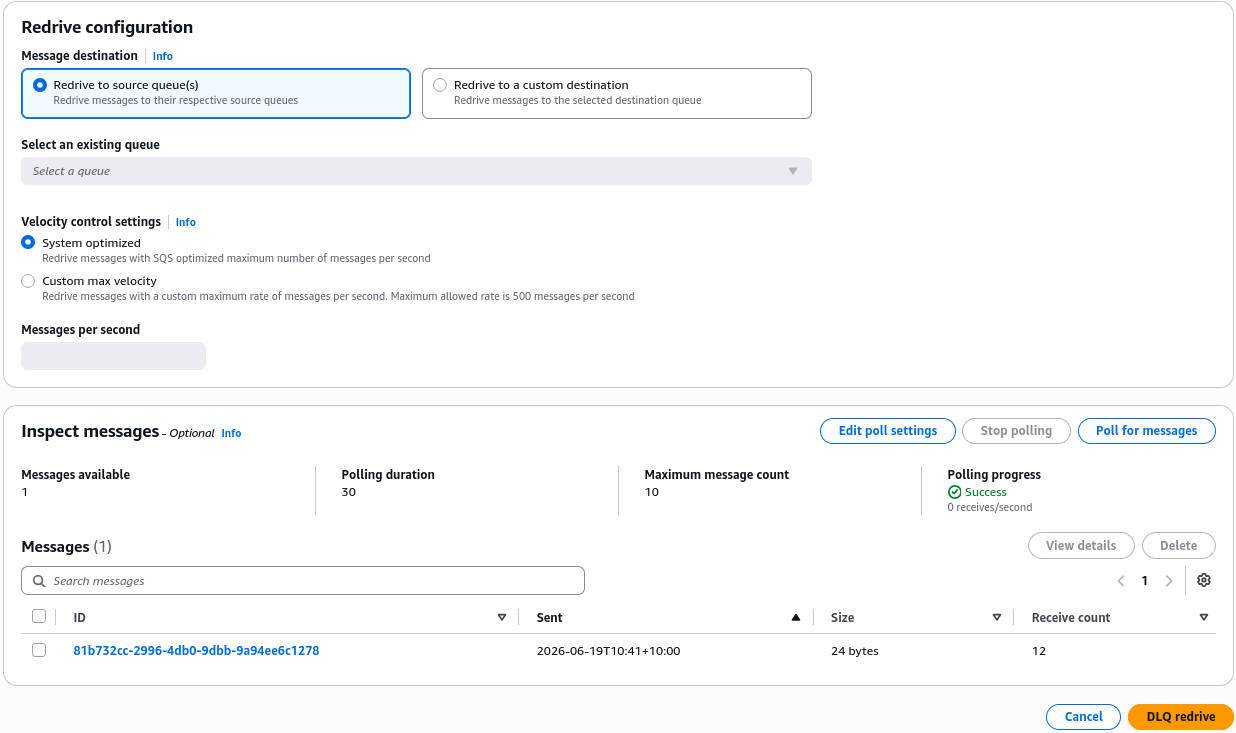
Velocity Control on Redrive: When setting up a DLQ redrive task, SQS gives you a feature called Velocity Control. You can choose to push the messages back at a "System optimized" speed, or set a custom maximum message-per-second limit. If a question asks how to redrive dead-letter payloads without overwhelming your backend databases with a massive sudden spike of work, the answer is to configure a custom velocity limit during the DLQ redrive.