CodeCommit Hands On Part 2
Using AWS CloudShell allows us to skip annoying local SSH or credential helper setups entirely since it carries pre-baked AWS credentials right inside the shell runtime environment. However, I'll be using my local terminal that has been pre-configured with the AWS CLI, Git and Python installed.
Hands On
📡 1. Prepping the Cloud Environment
- Grab the Repository Pointer: Inside your CodeCommit console dashboard, click on your
my-nodejs-apprepository ──► locate the Clone URL dropdown menu on the top right ──► copy the HTTPS (GRC) endpoint link. - Fire Up Compute: Click the terminal icon on the top global navigation bar to spin up a live AWS CloudShell container.
- Inject the Git Helper Extension: Run the standard pip installer to set up the dedicated Python protocol wrapper:
# If you're on Debian/Ubuntu you may need to install pipx first to avoid conflicts with the system Python
# sudo apt update && sudo apt install pipx -y && pipx ensurepath && source ~/.bashrc && pipx install git-remote-codecommit
pip install git-remote-codecommit
- Clone Down the Source Tree: Use standard Git syntax with the custom
codecommit://protocol string helper to pull down your repo assets:
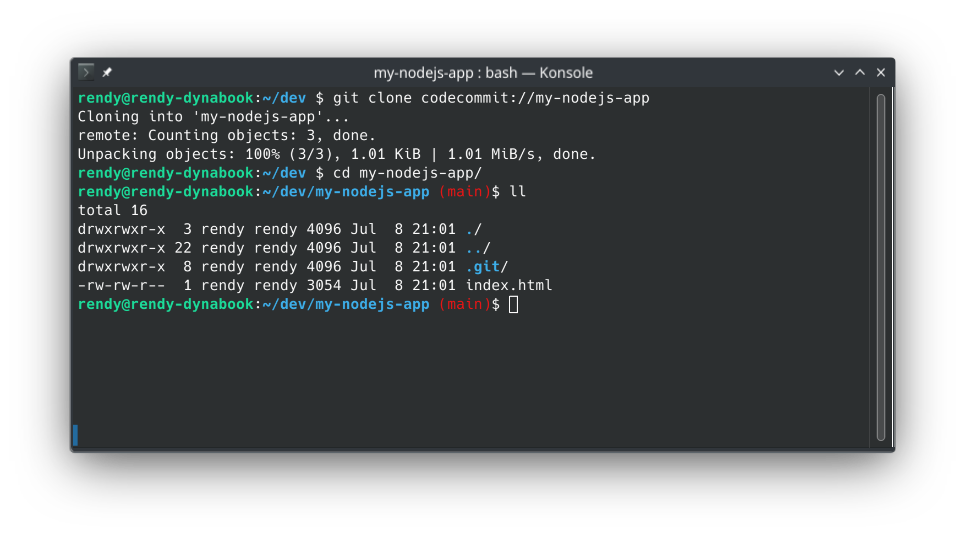
git clone codecommit://my-nodejs-app
- Enter the Runway Folder: Run
cd my-nodejs-appand execute anlsblock to verify that your console-uploadedindex.htmlfile is sitting cleanly in your environment workspace.
📂 2. Staging New Code Assets
- Add Source Code Files: Add your
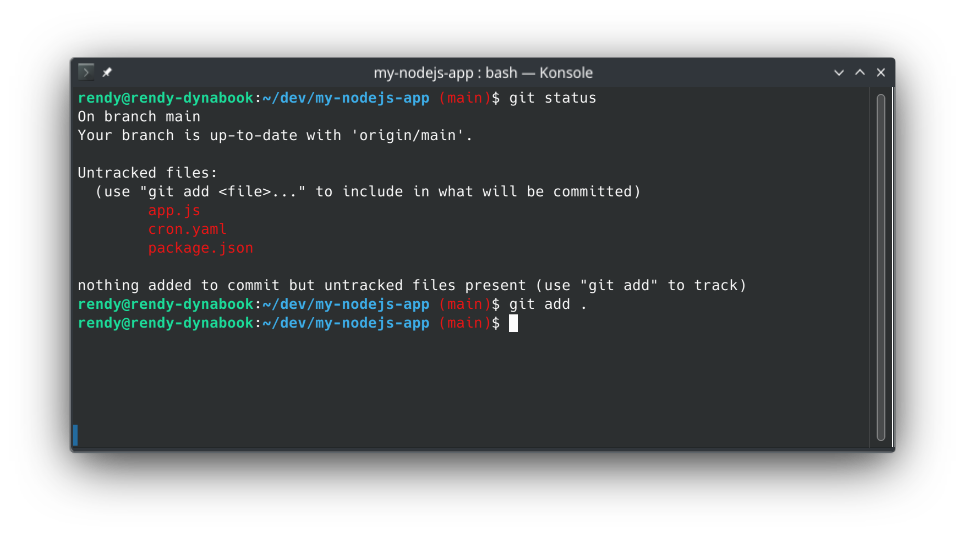
app.js,cron.yaml, andpackage.jsonfiles to the local working directory. - Audit Your Working Tree: Run
git statusto verify that Git spots all three new files sitting in your workspace as untracked items. - Index the Delta Changes: Tell Git to stage and start tracking every single one of those fresh local files:
git add .
🔏 3. Sealing the Commit and Launching to the Cloud
- Introduce Yourself to Git: Before your local environment will let you seal a Git envelope, you must populate your local commit identity profile boundaries:
git config user.email "rendy@aws.com"
git config user.name "rendy"
- Lock in the Local Snapshot: Execute a standard commit call to wrap your staged changes into an immutable local block string:
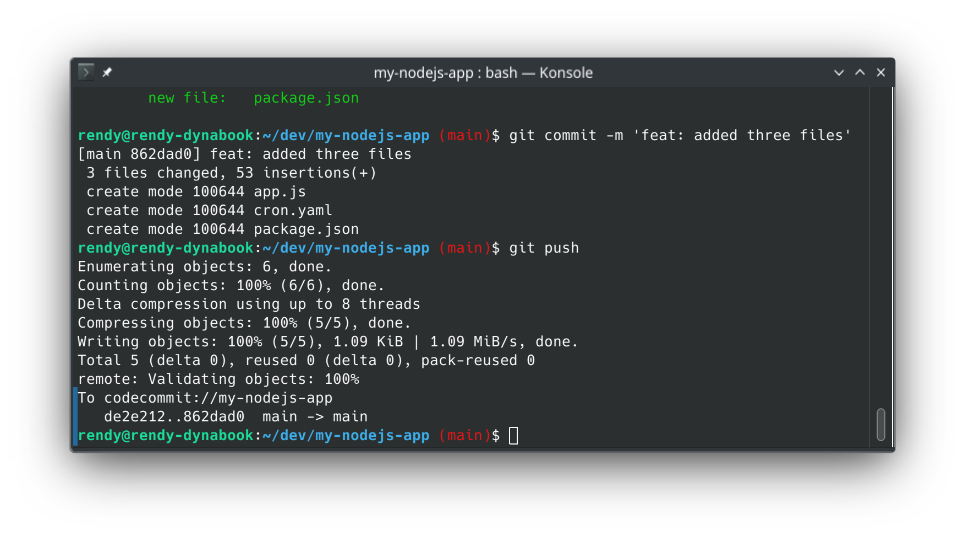
git commit -m "feat: added three files"
- The Critical Push Delivery: Clear out your terminal buffer and execute the magic push script to ship your local commits straight up to the AWS cloud:
git push
🔍 4. Verifying Success at the Perimeter
- Refresh the Dashboard Layout: Head right back over to your AWS CodeCommit management console web browser tab and hit refresh.
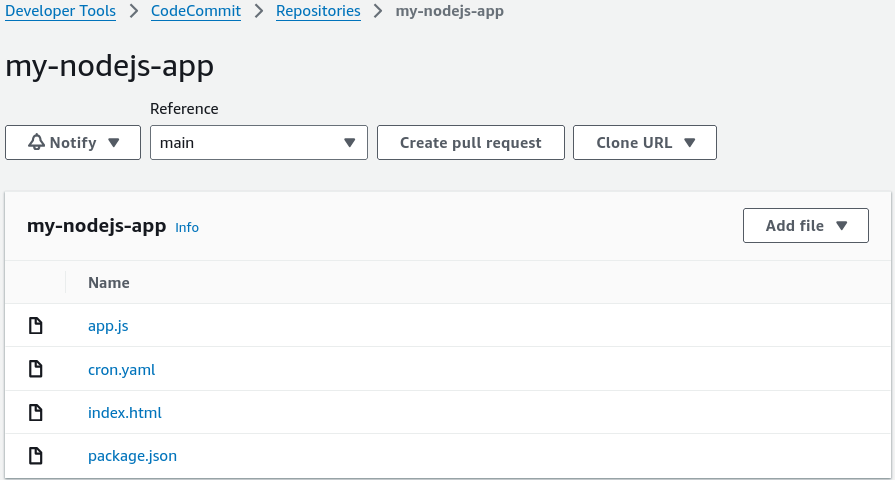
- The Win Check: Your repo tree now cleanly displays all four core application structural assets (
index.html,app.js,cron.yaml, andpackage.json) sitting beautifully inside the cloud.