SAM - Local Capabilities
🎛️ Local simulation power is how we completely eliminate the lag of waiting for cloud builds just to test a minor code delta. The SAM CLI uses Docker under the hood to perfectly mimic the real AWS execution runtime, allowing you to thoroughly validate your logic right from your machine.
Here is the easy-to-follow terminal playbook for SAM Local Capabilities:
🧠 1. Isolated Lambda Emulation Loops
-
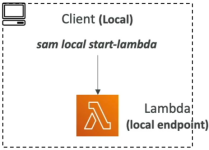
The Persistent Endpoint Daemon (
sam local start-lambda):- Fires up a local HTTP server that emulates the actual AWS Lambda service framework.
- Exposes a localized, running endpoint string (usually on port
3001) that stays alive in the background. - The Dev Win: Perfect if you want to point automated testing suites, integration runner scripts, or local testing tools directly at a simulated Lambda target environment without hitting the live web.
-
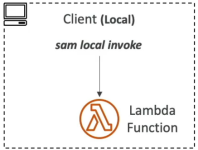
The Single-Shot Execution (
sam local invoke):- Launches an on-demand Docker container instance of your function, processes a specific payload, logs out the exact runtime metrics, and immediately terminates the container.
- Credential Mapping Handshake: If your function hits live AWS cloud resources (like querying a remote DynamoDB table or reading from a production S3 bucket), you must append the profile flag to pass your terminal keys down:
sam local invoke MyFunction --event events/event.json --profile my-dev-profile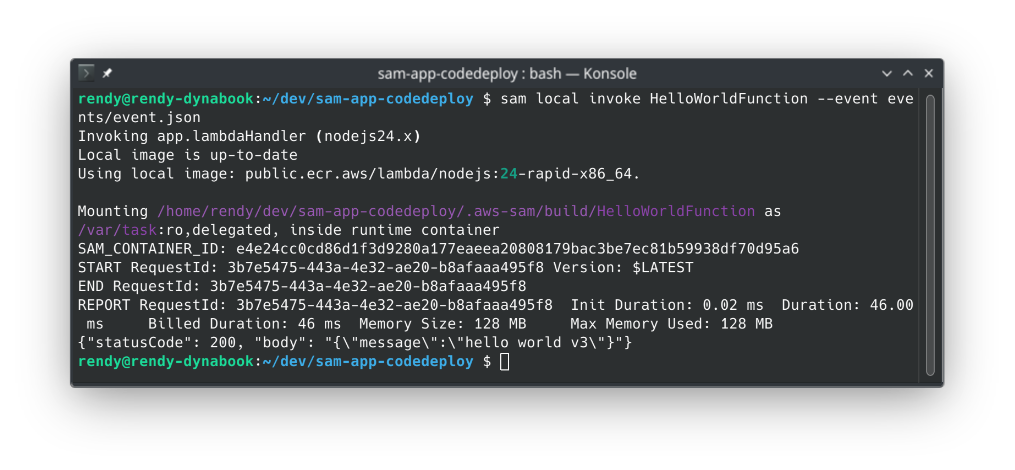
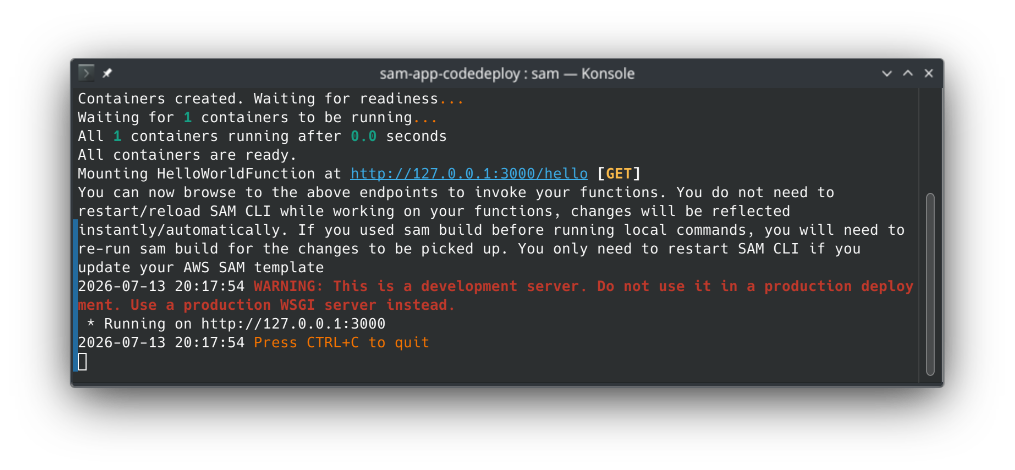
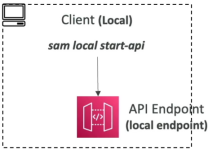
🛰️ 2. Web API Gateway Simulation (sam local start-api)
- The Mock Server Setup: Spawns a localized HTTP mock web environment (running by default on
http://127.0.0.1:3000) that reads yourtemplate.yamlrouting filters. - The Live Hot-Reloading Engine: If you go into your source files and change the JavaScript, Python, or Go logic, SAM automatically hot-swaps the execution code paths on the fly, chief! The next time you hit the route using
curlor Postman, you instantly pull the fresh logic code without needing to restart the terminal process or run another manual compilation loop!
🖨️ 3. Mock Data Payload Generation
-
The Payload Synthesis Engine (
sam local generate-event):- Allows you to instantaneously generate perfect, structured sample JSON event definitions for any native AWS event source right inside your command terminal.
- Supports a massive list of cloud event providers:
s3,apigateway,sns,kinesis,dynamodb,sqs, and more.
-
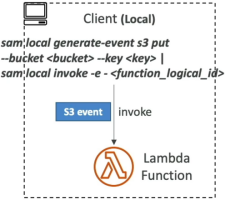
The Terminal Pipe Workflow: Instead of writing complex JSON schemas from scratch, you synthesize the data format on the fly and pipe the string right into your function handler:
sam local generate-event s3 put --bucket my-test-bucket --key image.png | sam local invoke MyFunction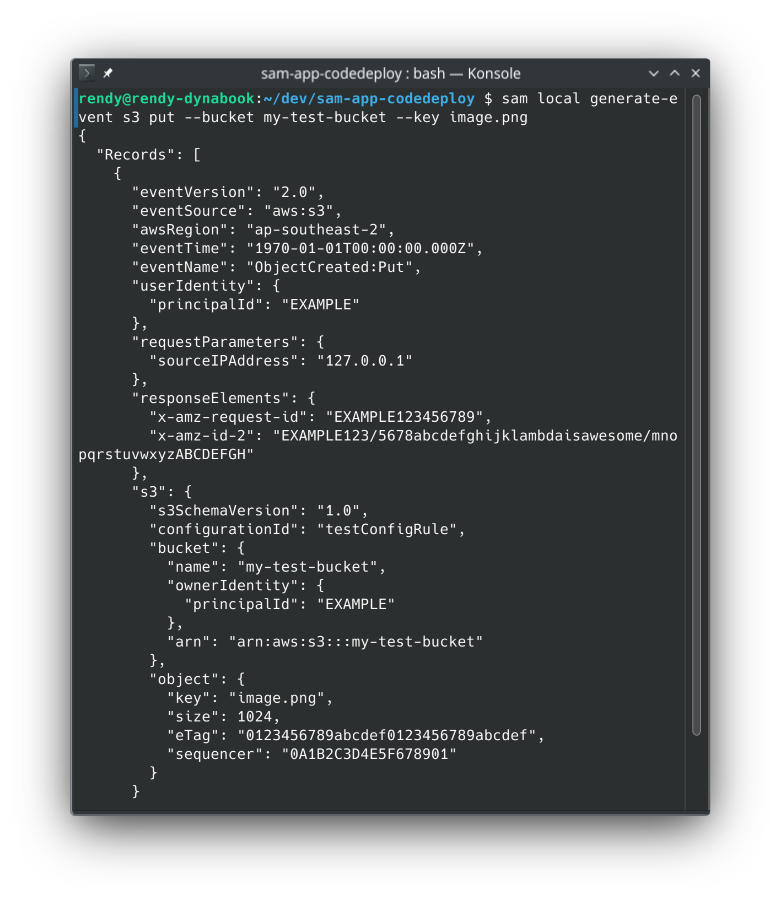
Exam Tips
- The Offline Debugging Blueprint: If an exam prompt presents a serverless development team that has limited or strictly restricted internet access, or needs to aggressively reduce AWS usage bills while building out a heavily customized microservice mesh—look straight for deploying
sam local start-apicombined withsam local generate-eventto simulate entire API Gateway HTTP path models and Lambda executions locally inside Docker. - The Live Code Reload Catch: Remember for scenario questions that while
sam local start-apihandles hot-reloading code changes instantly, if you update your core structural infrastructure parameters inside yourtemplate.yamlfile (like changing an environment variable key or switching memory sizes), you must drop out of the terminal process and execute a freshsam buildcommand to repackage the configuration framework.