Encryption SDK CLI Hands On
Taking the AWS Encryption SDK CLI for a spin gives you a front-row seat to how Envelope Encryption and Client-Side Encryption operate. The CLI itself is built on top of the AWS Encryption SDK for Python.
While you won't need to memorize exact command flags for the DVA-C02 exam, this hands-on lab reinforces several high-stakes conceptual principles that will appear on test day.
🛠️ 1. Setup & Installation
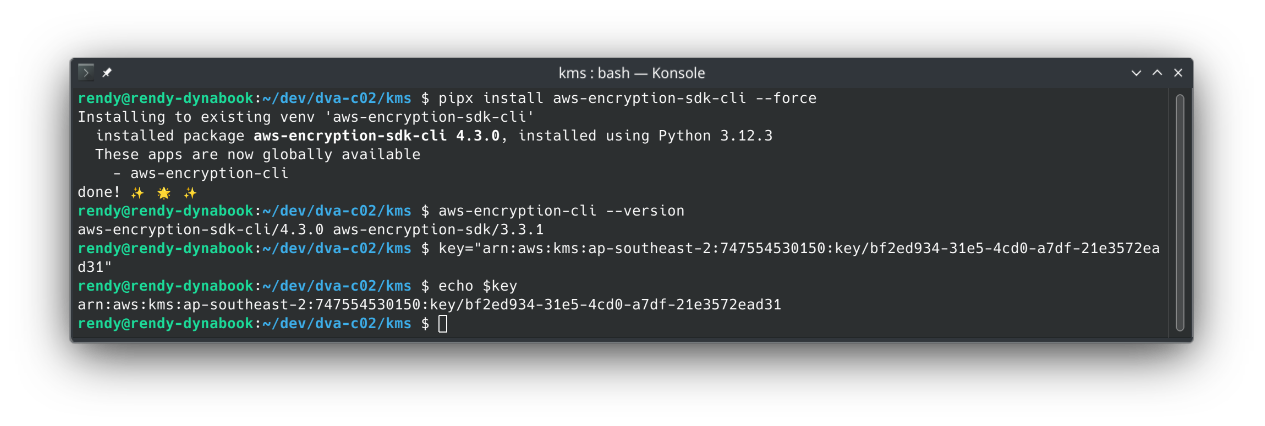
- Tool Installation: Installed via Python's package manager:
pip install aws-encryption-sdk-cli.- Full installation instructions are available in the official AWS Encryption SDK CLI documentation.
- Key Scope: Stored the full KMS Key ARN inside an environment variable (
$key).tipUnlike basic KMS operations that can use aliases, the AWS Encryption SDK requires a full KMS Key ARN for encryption operations to avoid cross-region or ambiguous key targeting.
🔐 2. The Encryption Flow (Client-Side Envelope Encryption)
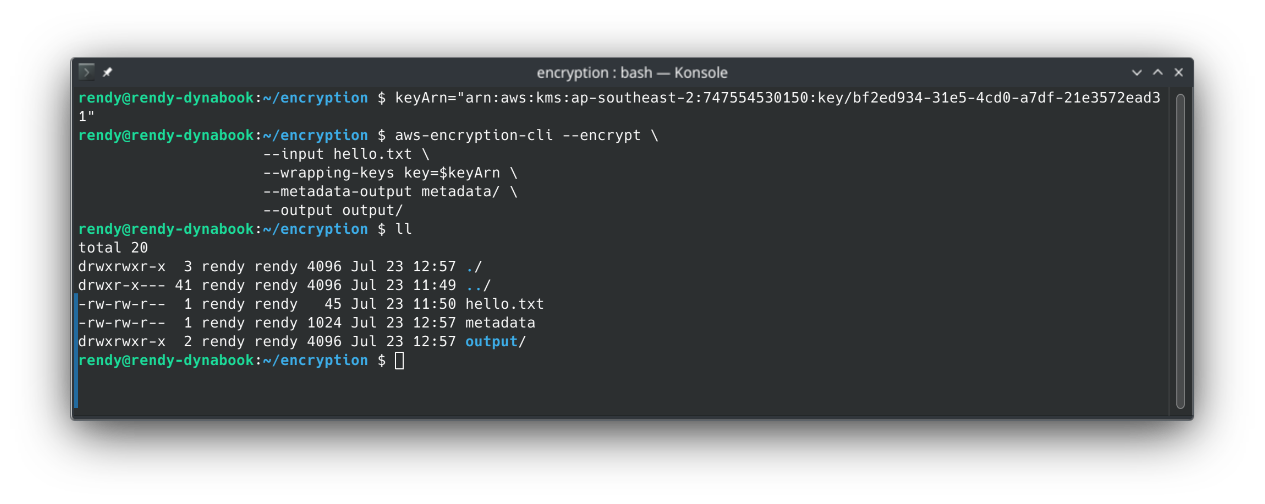
//replace with your own KMS Key ARN
keyArn=arn:aws:kms:ap-southeast-2:111122223333:key/1234abcd-12ab-34cd-56ef-1234567890ab

aws-encryption-cli --encrypt \
                     --input hello.txt \
                     --wrapping-keys key=$keyArn \
                     --metadata-output metadata/ \
                     --output output/
🧠 What Happens Behind the Scenes?
- The CLI calls KMS's
GenerateDataKeyAPI using the provided Key ARN. - KMS returns a Plaintext Data Encryption Key (DEK) and an Encrypted DEK.
- The CLI uses your local CPU to encrypt
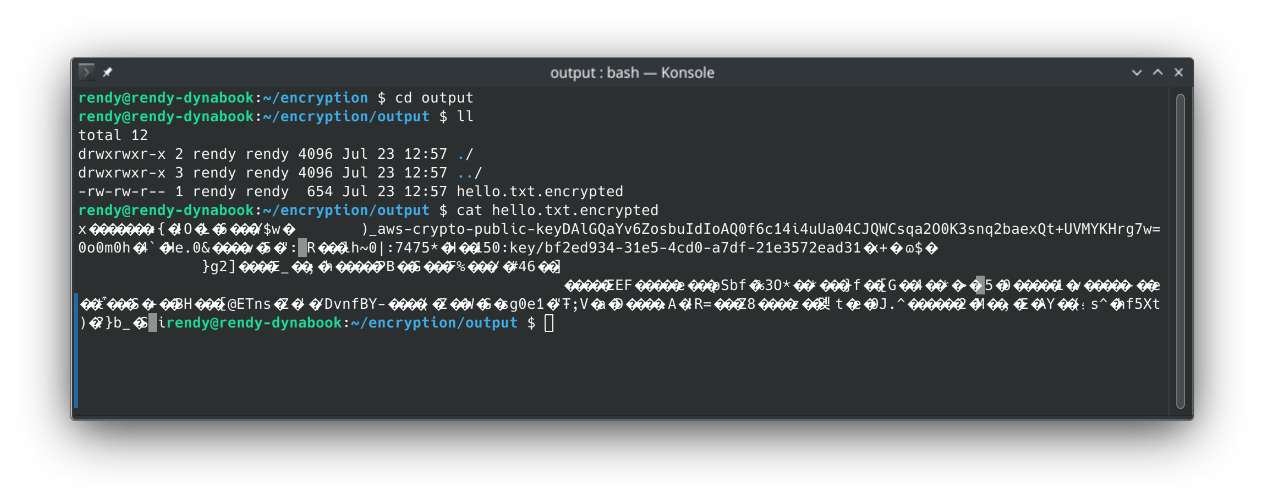
hello.txtwith the Plaintext DEK. - The Plaintext DEK is wiped from RAM, and the resulting file contains the encrypted payload AND the Encrypted DEK packaged together.
- The Metadata File: The
--metadata-outputfile generates a JSON document containing header specs, algorithm suites, and key provider metadata.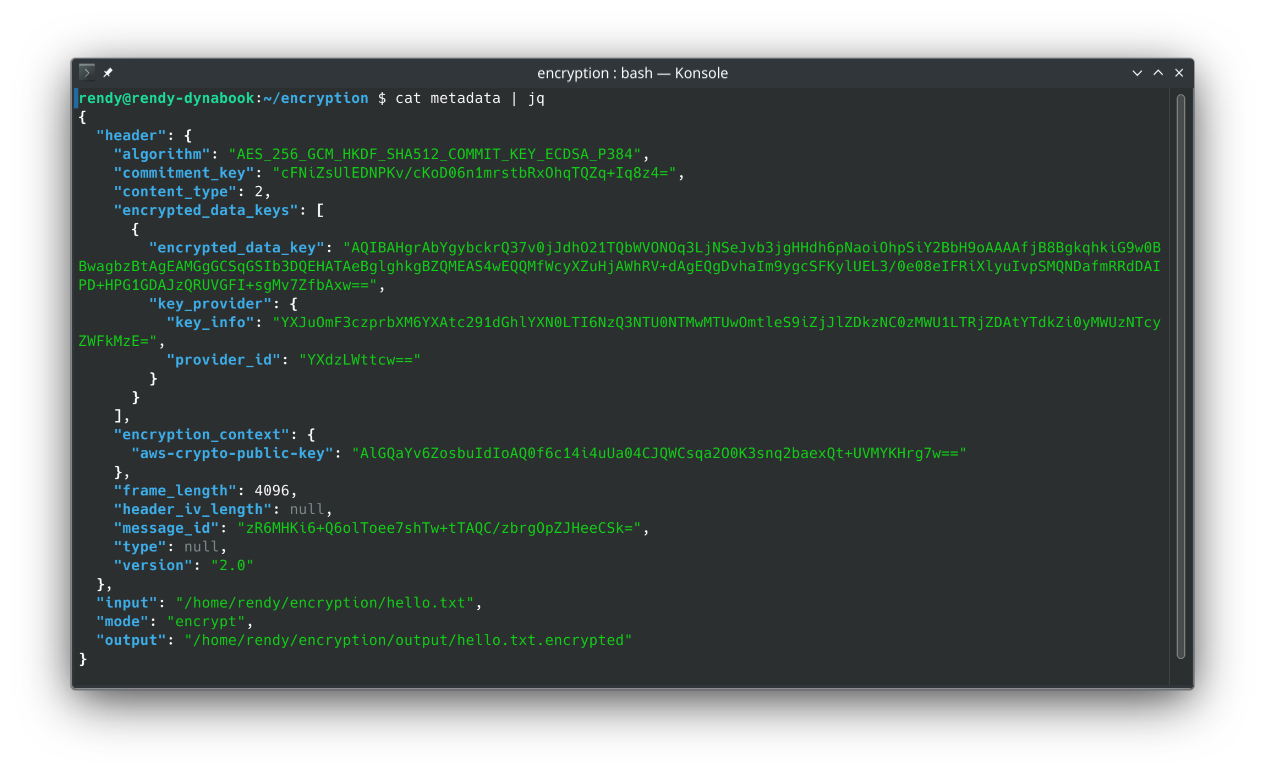
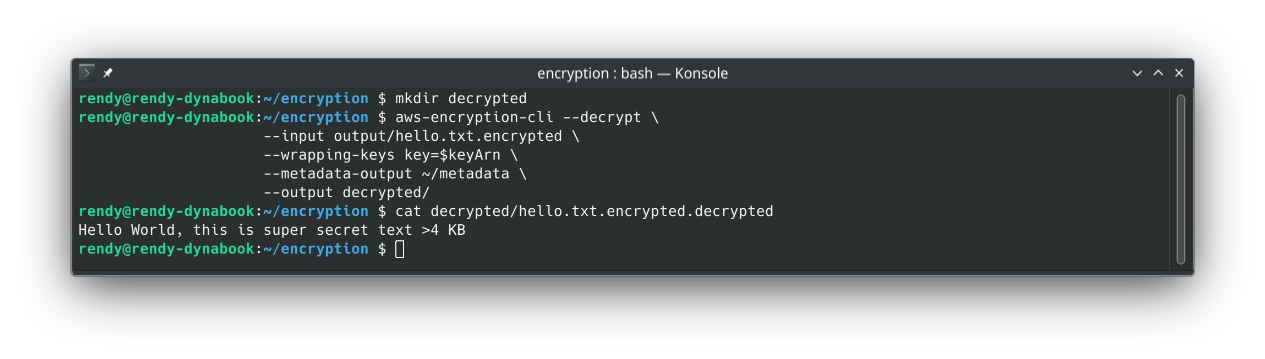
🔓 3. The Decryption Flow
aws-encryption-cli --decrypt \
                     --input output/hello.txt.encrypted \
                     --wrapping-keys key=$keyArn \
                     --metadata-output metadata/ \
                     --output decrypted/
🧠 What Happens Behind the Scenes?
- The CLI extracts the Encrypted DEK embedded directly inside the header of the
.encryptedfile. - The CLI sends the Encrypted DEK to KMS via
kms:Decrypt. - KMS decrypts the DEK using the CMK and returns the Plaintext DEK back to the CLI.
- The CLI decrypts the payload locally on your machine, restoring the original plaintext file!
Exam Tips
- Direct KMS vs. Encryption SDK: Standard AWS CLI commands like
aws kms encryptsend the raw payload over the wire to KMS and fail if the file exceeds 4 KB. The AWS Encryption SDK executes Envelope Encryption locally, allowing you to encrypt files of virtually any size (gigabytes/terabytes)! - Where Encryption Happens: In this hands-on exercise, 100% of payload encryption/decryption happened on the client side. KMS was only invoked to handle the small Data Key lifecycle!
- Decryption Metadata: The SDK automatically embeds key provider information inside the ciphertext header, enabling seamless decryption without needing to manually pass data keys.