AWS CLI Setup
In this lecture, we will set up AWS Command Line Interface (CLI) to interact with AWS services from the terminal. I will write my experience of setting up the CLI on Linux.
Windows & Mac OS X
Please follow the instruction here AWS CLI install instructions
Linux
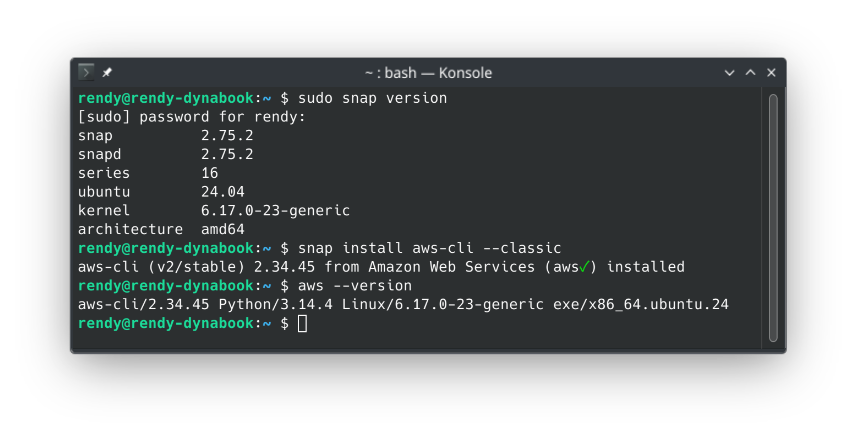
There are two ways to install the AWS CLI on Linux, using CLI installer or the official supported snap packages. I will use the snap package method as I can get update more easily down the line.
- Make sure you have snap installed on your Linux distribution. You can check by running
snap --versionin the terminal. If it's not installed, you can install it using your package manager (e.g.,sudo apt install snapdfor Debian-based distributions). - Run the following command to install the AWS CLI using snap:
sudo snap install aws-cli --classic
- After the installation is complete, you can verify that the AWS CLI is installed correctly by running:
aws --version